Getting started
Create your account and get into Classmoji
Create an account
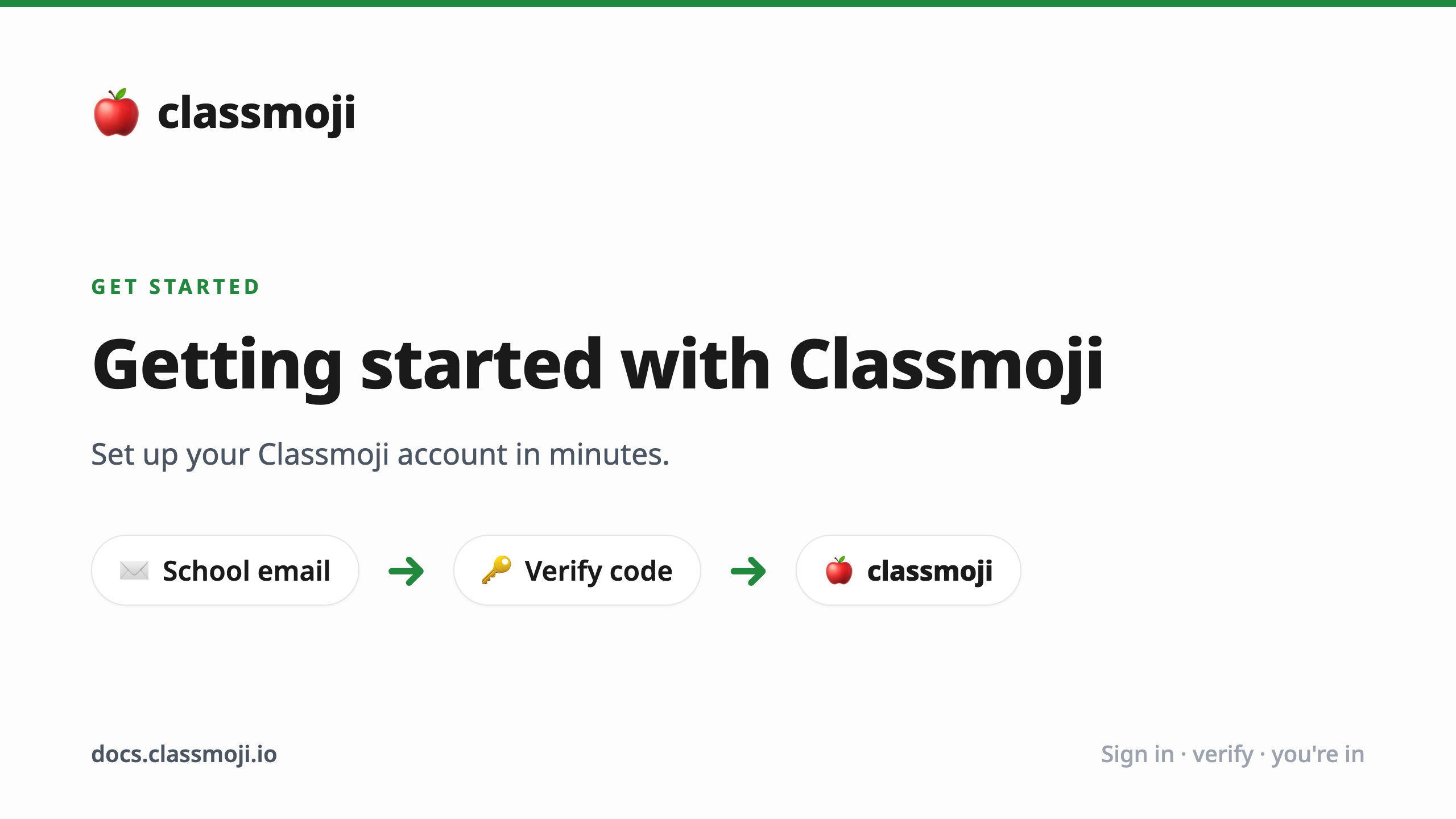
Section titled “Create an account”Classmoji uses Github for authentication, no separate password needed.
- Go to app.classmoji.io and click Continue with Github
- Authenticate with your Github account
- Enter your school email and verify it with the 6-digit code sent to your inbox
- Fill in your name and school ID (your Github username is pre-filled)
- You’re in. The classroom selection page is your home base from here.
What’s next?
Section titled “What’s next?”Your path depends on your role:
- Instructor - create a classroom. See the instructor guide to get your first one up.
- Student or Assistant - once your instructor adds you, classrooms will automatically show up on your home page. Nothing to set up.